Start four weeks out
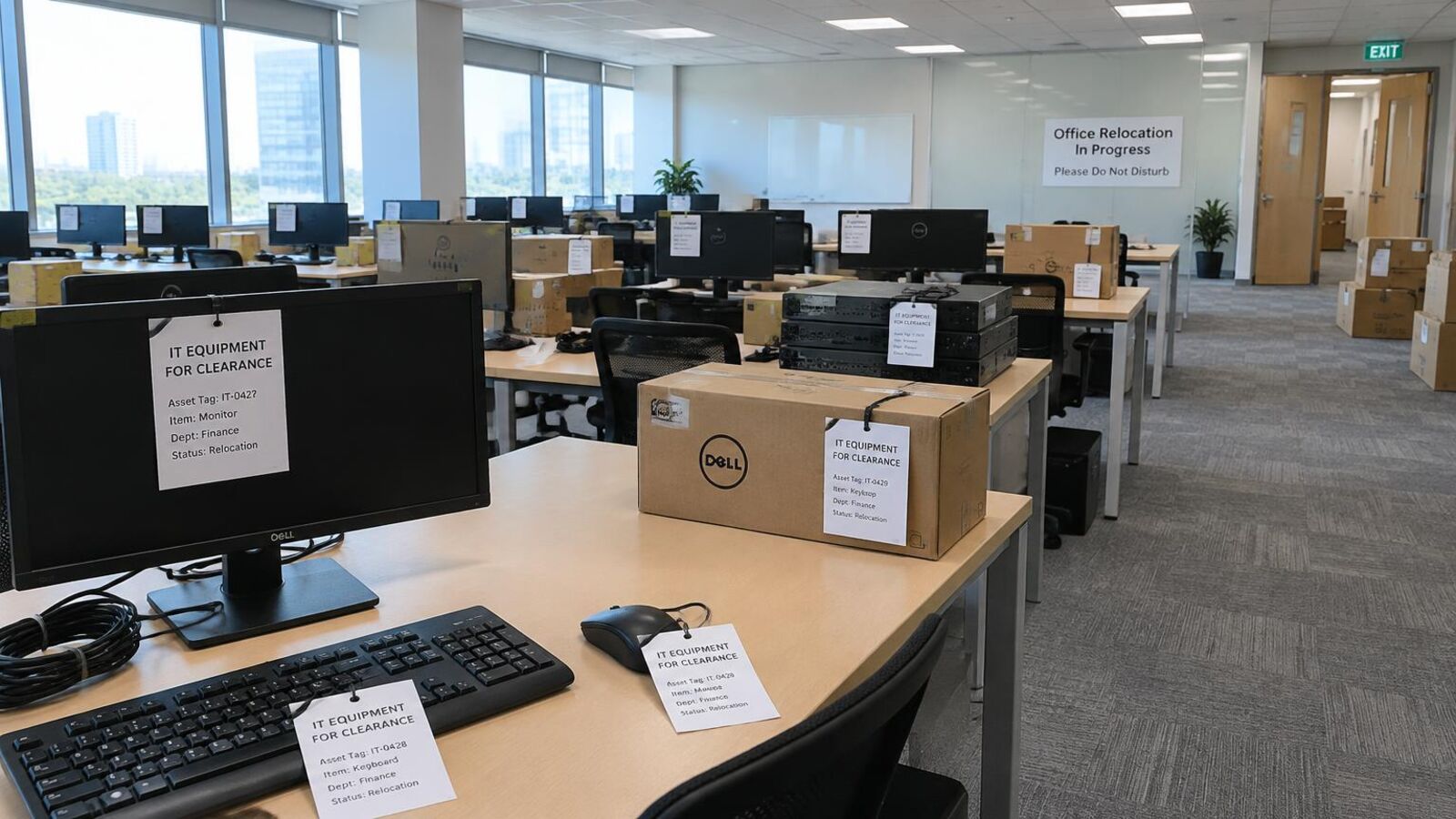
- List what is going. Laptops, desktops, monitors, phones, servers, comms cabinets, AV, printers. A spreadsheet with rough counts is enough.
- Decide what moves and what is retired. Moving old kit to a new office often costs more than it is worth.
- Check leased equipment. Leased printers and MFDs usually go back to the lessor, not into disposal.
- Book the clearance date. Ideally a few days before the move or keys-back date.
One week out
- Back up anything you need. Check restores actually work.
- Remove devices from management systems such as Apple Business Manager, Intune and Google admin, so they can be reset and reused.
- Gather loose drives, phones and USB sticks from desks and drawers into one locked box.
- Agree access with building management: loading bay, lift booking and parking.
On the day
- Have one named person to hand over to the collection team.
- Check the count against your list before the van leaves.
- Make sure comms cupboards and ceiling voids are cleared, as old switches and access points are often missed.
Afterwards
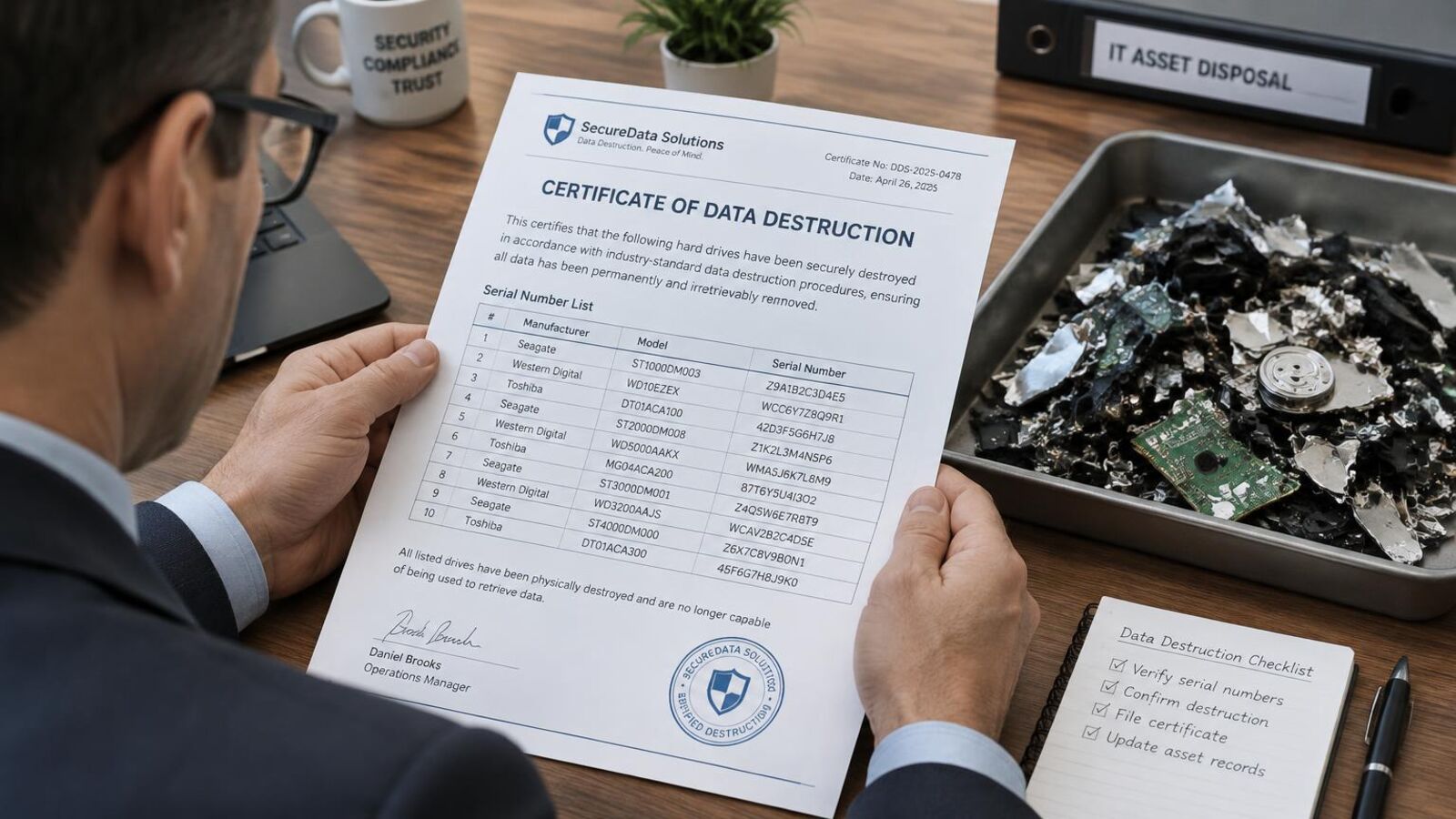
- File the Waste Transfer Note and the Certificate of Data Destruction.
- Update your asset register to show disposed items.
We clear offices of every size across the UK at no charge for qualifying business equipment. See IT equipment disposal, IT asset disposal London and what free disposal covers.
Book a free collection
Call 020 3432 4511 (Monday to Friday, 8am – 6pm) or book a collection online. Tell us roughly what you have and where it is, and we will confirm a date.
The Byebyte Team
Free UK collection · NIST 800-88 data destruction · Zero to landfill